 OrynosMusic
Your next
session.
Arrange. Mix. Export.
Zoom toward your cursor. Repeat clips with Ctrl+B.
Version 0.9.24 · Early preview · Windows x64 · Unsigned installer
Watch Studio 0.9.9 in motion
Local by defaultYour project and ordinary WAV exports stay on your computer.
Your Orynos accountSign in with a verified account to open Studio. All models and modules are included, with 5,000 weekly credits.
One clear handoffChoose Export + Master when your track is ready.
Install Orynos Studio.
Follow the installer, choose a location and open your first session.
Installs for your Windows account. Your projects stay yours.


Record it. Shape it.
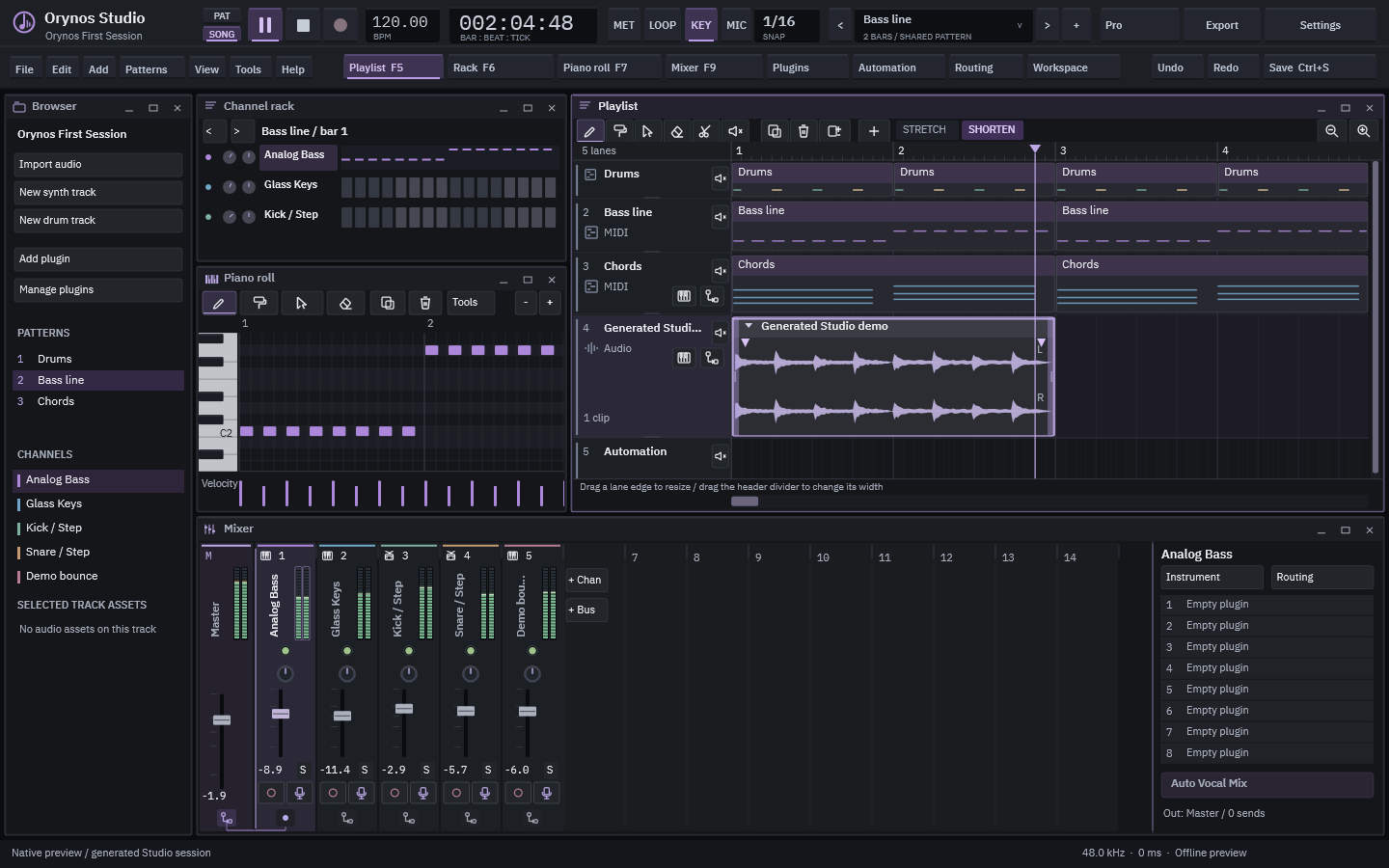
Playlist, Piano Roll, Mixer and Channel Rack in one workspace. Write reusable patterns, arrange audio and note clips, edit automation and route audio between channels and buses.
Fourteen Orynos effects, with 84 presets and sidechain compression. Reduce steady noise with AntiNoise, control sibilance with DeEsser, and shape a seven-band EQ curve by dragging its nodes. Save your own plugin presets. Auto Vocal Mix measures your vocal and optional beat, then proposes a style-specific chain and return buses. Choose any plugin from one searchable picker. Star your favourites or browse Recent. Press Ctrl+P for effects, or Ctrl+Shift+P for instruments. Find studio commands with Ctrl+K. Open Note Tools with Ctrl+Q for quantization, swing, humanize, transpose and velocity, with a visual preview before Apply. Copy entire effect chains, including VST® 3 state, into independent instances. Fit the timeline to your selection or content.
Windows x64 VST3 effects and instruments use folder scanning.
Resize, name and colour your Playlist lanes. Choose effects by category. Audio, MIDI and scan paths stay together in Settings. Studio provides native control feedback and meter peak hold, a responsive Account view, and right-drag erasing for Playlist clips and Piano roll notes with one Undo per gesture. Export, effects, clip properties and Help now use responsive native windows; Shift + wheel switches editor tools, including Playlist Slice. Arm a Mixer insert and choose its Mic input. Enable Record above, then press Play. See the real waveform grow while recording; Pause finishes your take. Grab the purple playback arrow and drag it live. Its position follows your mouse without snapping. Right-click Record to hear dry input, hear insert effects or turn monitoring off. New songs start in Song mode with Loop off. Press Pause twice to return to the last playback start. Preview dragged audio on its target lane, draw a cutting line, and use clip arrows for individual controls. Drag clip edges in SHORTEN or pitch-preserving STRETCH mode, or use the small fade handles. Double Shift resets the editor tool. The horizontal Playlist scrollbar extends beyond your audio.
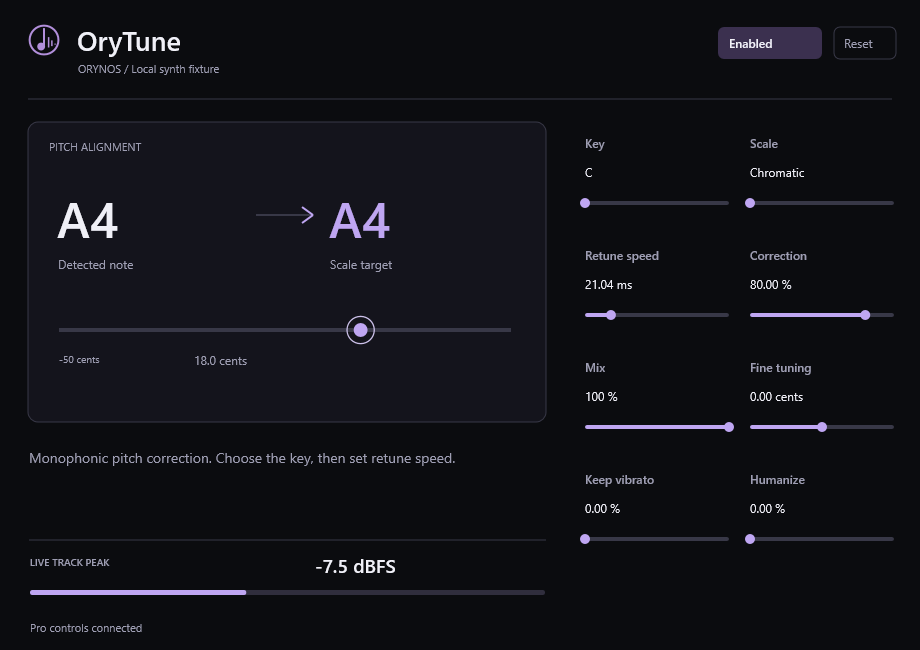
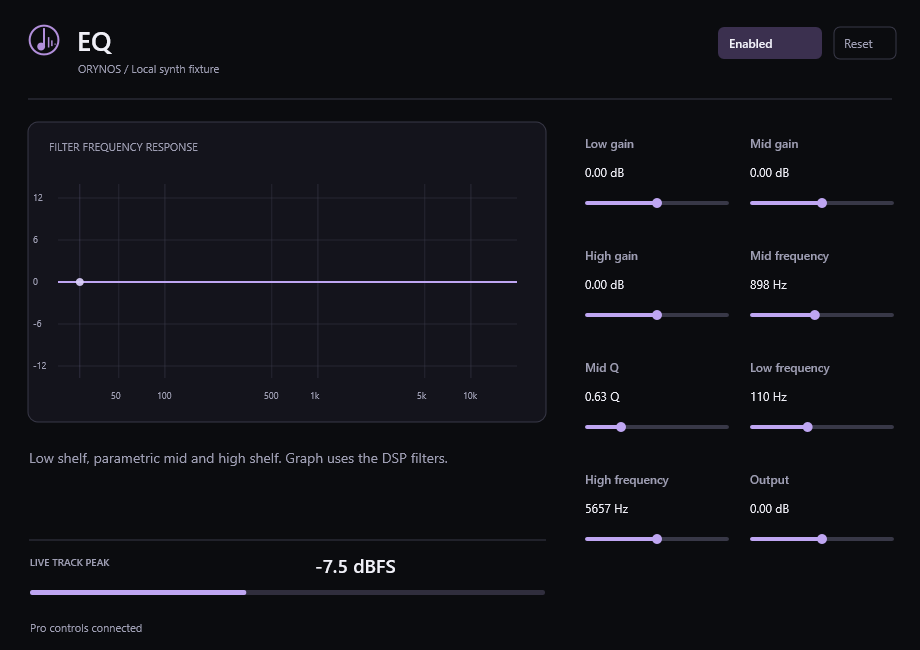
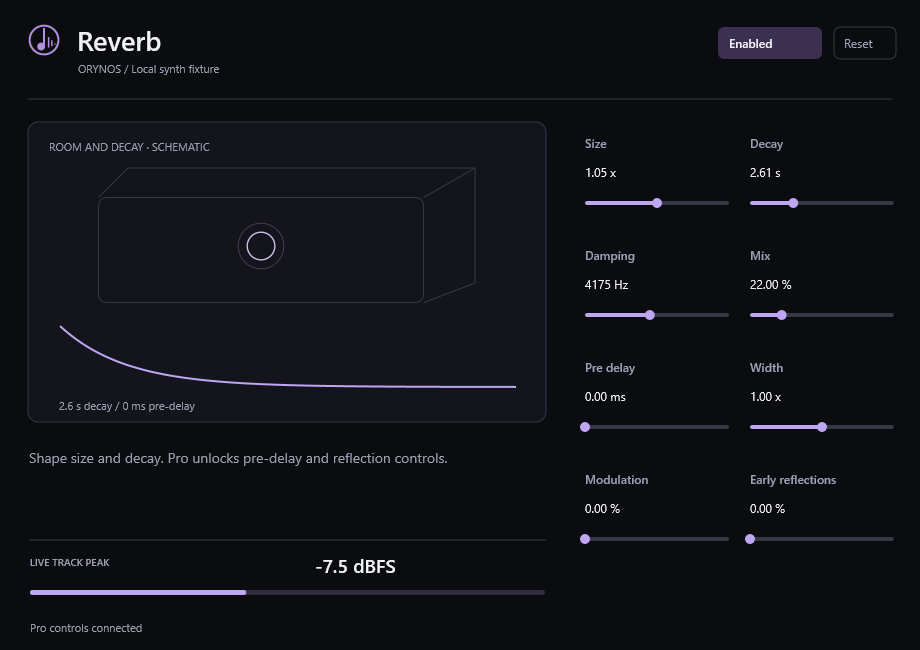
Editor previews use a generated test signal. Schematics are labelled in the interface.
Less searching. More producing.
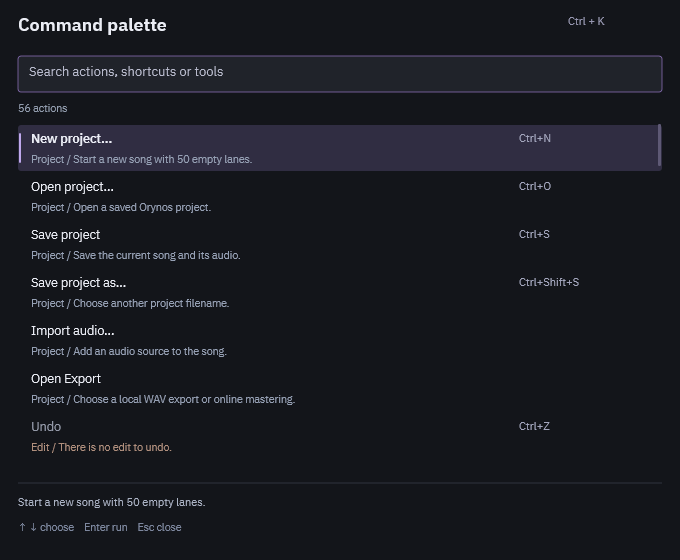
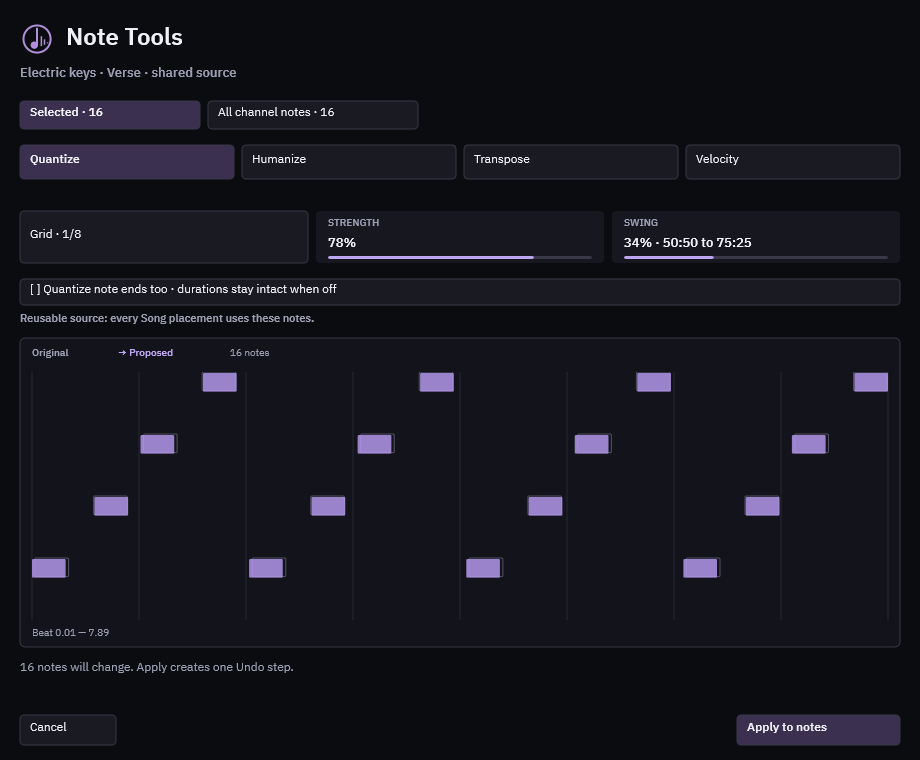
Connected. In key.
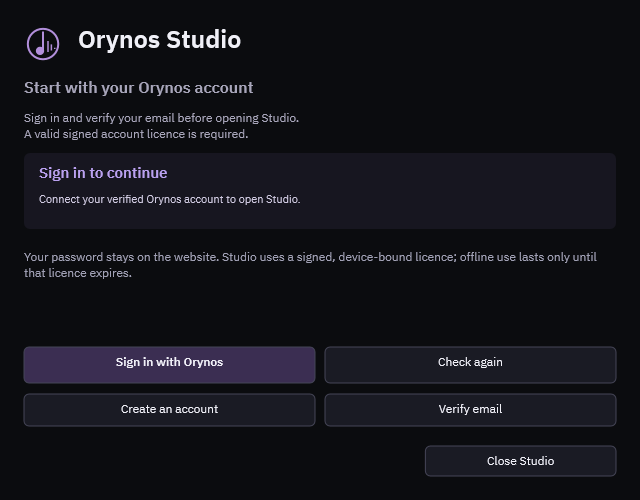
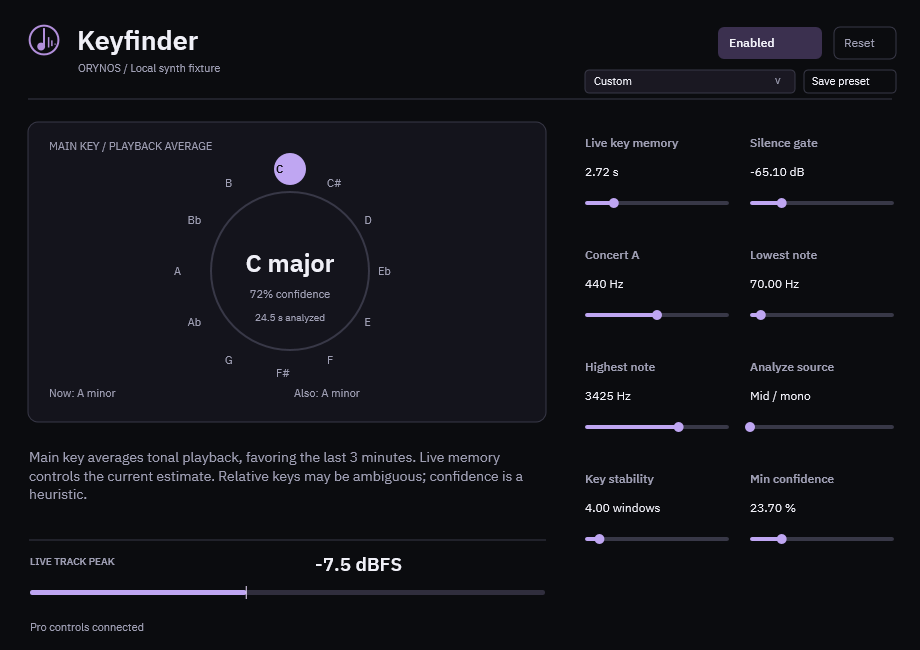
Keyfinder follows tonal playback over time. Ambiguous material stays unresolved; the estimate is a guide for your ears.
Ready when you open it.
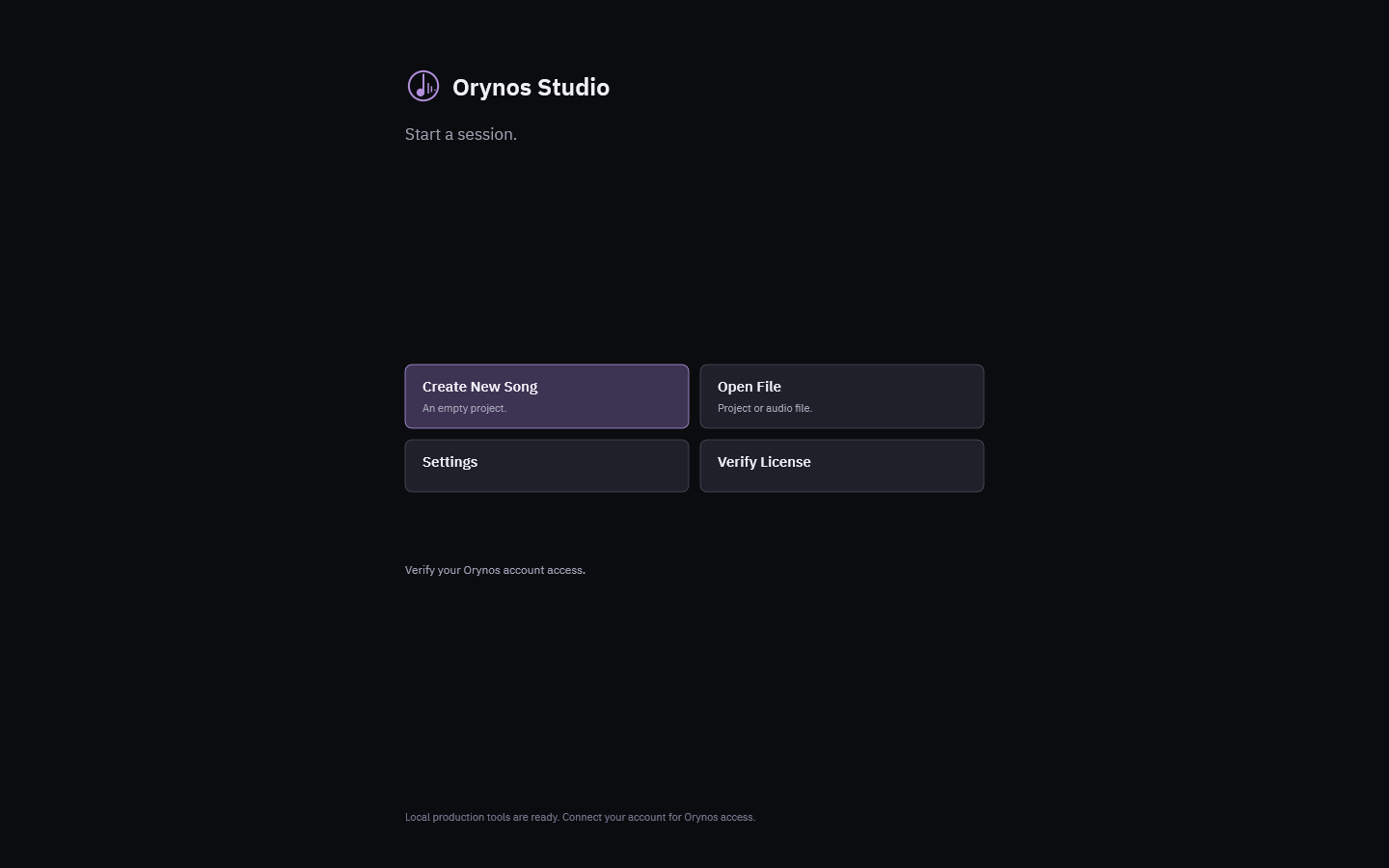
Connect your verified Orynos account first. A valid cached licence supports temporary offline use until it expires. A short OrynosMusic logo, then a clear choice: create a song, open a file, change settings or verify your licence. Updates are authenticated before installation; new licence terms require review. Create New Song begins with 50 empty Playlist tracks and matching Mixer inserts. Before closing or replacing an unsaved song, choose Save, Don't Save or Cancel.
Export your mix. Choose your master.
Export a WAV locally, or choose Export + Master to upload that exported track to the Orynos website service. Every verified account can choose Premier, Classic, Moon, Sun or Galaxy during the free access period. Supported mastering modes use the website’s normal credit prices.
The DAW downloads the completed WAV back to your computer. Finished website audio is available for five minutes after processing completes. Uploading needs your explicit confirmation; editing and ordinary export work offline.
Explore models and mastering tools ↗Preview, installation and export details
This is an early Windows preview. Save your work regularly and keep copies of source audio and projects.
Version 0.9.24 · 6.22 MB · 2026-10-17
Unsigned Windows installer. Windows may show “Unknown publisher” or a SmartScreen warning. Verify this download’s SHA-256 before installing; proceed only if you trust the OrynosMusic preview.
SHA-256 9aa7378a2884fe2f5108bede241765022fafa3da09823d058253a4e67a8d9e63
Windows devices use WASAPI, or select an installed x64 ASIO interface driver with its own rates, channels, buffer settings and control panel. No interface driver is bundled. Only x64 VST3 plugins are supported; VST2 is not included. Software input monitoring is optional: dry or through the selected insert effects. Native vendor drivers and plugin playback/editor code are not sandboxed. Plugin compatibility depends on the vendor; use trusted licensed plugins. Microphone recording starts after Record + Play, with rate and memory limits shown. Hearing input also opens the selected microphone, only after you explicitly enable monitoring.
Cloud export supports one WAV per request, up to 250 MB. Sign in through your browser and confirm the matching code. Your saved account credential is protected for your Windows user. Only the exported audio and selected mastering settings are uploaded for a confirmed cloud export.
Cancel before a render worker begins to refund reserved credits. Once processing starts, stopping the DAW’s wait leaves the server render running; a successful master spends credits. Processing failures use the website’s normal refund handling.
Export guide · Privacy · Terms · Manage devices · Support